Now Reading: Unlocking the Potential of the Dell Chromebook
-
01
Unlocking the Potential of the Dell Chromebook
Unlocking the Potential of the Dell Chromebook
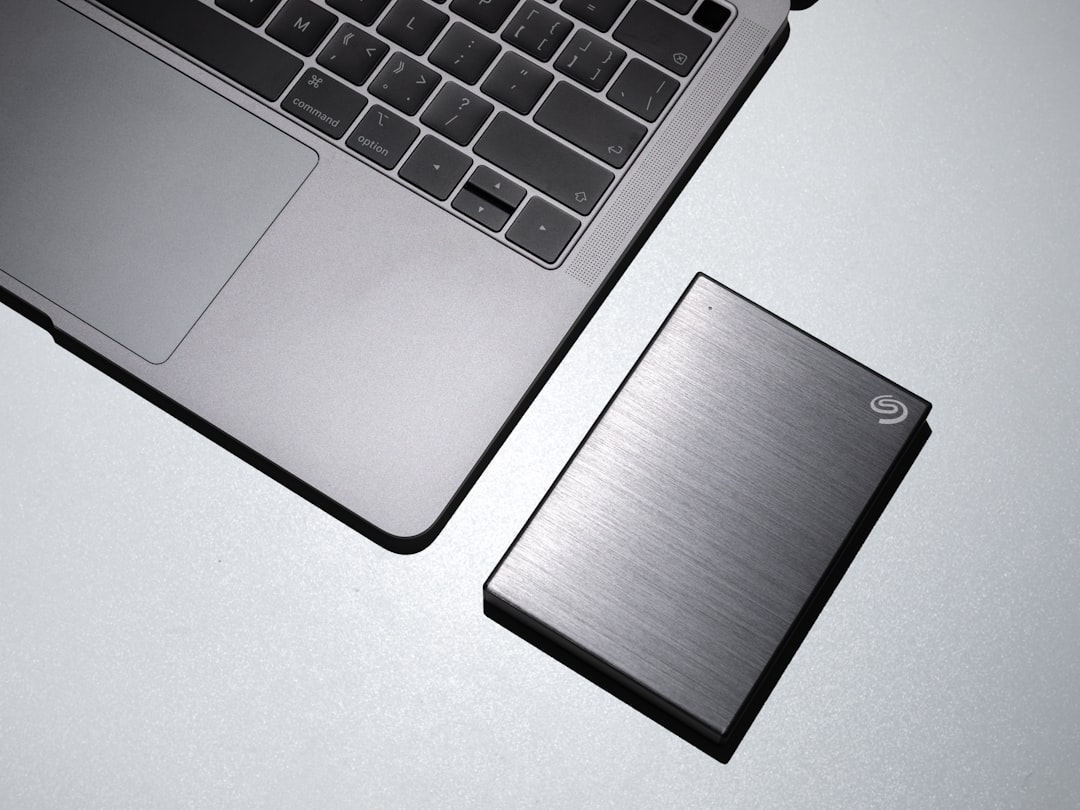
The Dell Chromebook represents a significant advancement in the realm of portable computing, merging functionality with affordability. Designed primarily for educational and professional environments, these devices run on Google’s Chrome OS, which is optimized for web-based applications and cloud computing. The lightweight design and robust build quality make the Dell Chromebook an ideal choice for users who require mobility without sacrificing performance.
With a variety of models available, ranging from entry-level to high-performance options, Dell has positioned itself as a key player in the Chromebook market. The integration of Google services into the Dell Chromebook enhances its usability, allowing users to access a plethora of applications and tools seamlessly. The operating system is designed to boot up quickly, ensuring that users can get to work without unnecessary delays.
Furthermore, the Dell Chromebook is equipped with features that cater to both casual users and professionals, making it a versatile option for anyone looking to enhance their digital experience.
Key Takeaways
- The Dell Chromebook offers a user-friendly and affordable option for those seeking a reliable laptop for work and personal use.
- Benefits of using a Dell Chromebook include fast boot-up times, automatic updates, and seamless integration with Google apps and services.
- Customizing your Dell Chromebook can enhance productivity by organizing apps, setting up virtual desks, and utilizing keyboard shortcuts.
- The app ecosystem on the Dell Chromebook provides access to a wide range of productivity, entertainment, and educational tools for users.
- Tips and tricks for getting the most out of your Dell Chromebook include using offline mode, managing multiple accounts, and utilizing the Google Play Store for apps.
Benefits of Using a Dell Chromebook
One of the primary advantages of utilizing a Dell Chromebook is its affordability. Compared to traditional laptops, Chromebooks are generally more budget-friendly, making them accessible to a wider audience. This cost-effectiveness does not compromise quality; Dell Chromebooks are built with durable materials and offer impressive specifications for their price range.
Users can expect reliable performance for everyday tasks such as browsing, document editing, and streaming media. Another significant benefit is the seamless integration with Google services. With applications like Google Drive, Docs, Sheets, and Gmail readily available, users can collaborate in real-time with colleagues or classmates.
The cloud-centric nature of Chrome OS means that files are automatically saved and accessible from any device with internet connectivity. This feature not only enhances productivity but also provides peace of mind regarding data security and backup.
Customizing Your Dell Chromebook for Maximum Productivity

Customizing your Dell Chromebook can significantly enhance your productivity levels. The Chrome OS allows users to personalize their experience through various settings and extensions. For instance, users can adjust the display settings to optimize screen brightness and resolution based on their environment. Additionally, customizing the keyboard shortcuts can streamline workflows, allowing for quicker access to frequently used applications.
Extensions from the Chrome Web Store can also be installed to tailor the browsing experience further. Tools such as Todoist for task management or Grammarly for writing assistance can be integrated directly into the browser. By selecting the right combination of extensions and settings, users can create a personalized workspace that caters specifically to their needs, ultimately leading to improved efficiency.
Exploring the App Ecosystem on the Dell Chromebook
| Category | Metric |
|---|---|
| Number of Apps | Over 2 million apps available on Google Play Store |
| App Diversity | Wide range of categories including productivity, entertainment, education, and more |
| App Compatibility | Most Android apps are compatible with Dell Chromebook |
| App Security | Google Play Protect provides built-in malware protection for apps |
The app ecosystem available on the Dell Chromebook is vast and diverse, providing users with numerous options to enhance their computing experience. The Google Play Store offers access to millions of Android applications, ranging from productivity tools to entertainment options. This compatibility allows users to download popular apps like Microsoft Office, Slack, or Zoom directly onto their devices.
Moreover, web-based applications are inherently supported by Chrome OS, enabling users to utilize powerful tools such as Adobe Creative Cloud or various coding platforms without requiring extensive system resources. The ability to run both Android apps and web applications simultaneously creates a flexible environment where users can switch between tasks effortlessly.
Tips and Tricks for Getting the Most Out of Your Dell Chromebook
To maximize the potential of your Dell Chromebook, consider implementing several tips and tricks that can enhance your overall experience. First, familiarize yourself with keyboard shortcuts specific to Chrome OS; these shortcuts can significantly speed up navigation and task execution. For example, using Ctrl + Shift + T can reopen closed tabs, while Alt + Tab allows quick switching between open applications.
Another useful tip is to utilize offline mode for Google applications. By enabling offline access in Google Drive, users can work on documents without an internet connection, ensuring productivity even in low-connectivity environments. Additionally, regularly clearing your browser cache can improve performance by freeing up system resources and enhancing loading times.
Leveraging Cloud Storage and Collaboration Tools on the Dell Chromebook

Cloud storage is a cornerstone feature of the Dell Chromebook experience. With Google Drive integrated into Chrome OS, users can store files securely in the cloud while accessing them from any device with internet connectivity. This feature not only provides ample storage space but also facilitates easy sharing and collaboration with others.
Collaboration tools such as Google Docs and Sheets allow multiple users to work on projects simultaneously in real-time. This capability is particularly beneficial in educational settings or team projects where input from various individuals is required. The ability to comment and suggest edits fosters a collaborative environment that enhances productivity and creativity.
Enhancing Security and Privacy on Your Dell Chromebook
Security is paramount in today’s digital landscape, and Dell Chromebooks come equipped with several features designed to protect user data. The built-in virus protection ensures that malware threats are minimized, while automatic updates keep the operating system secure against vulnerabilities. Additionally, the sandboxing technology isolates web pages and applications from one another, further enhancing security.
Users can also take proactive measures to safeguard their privacy by enabling two-factor authentication on their Google accounts. This added layer of security requires a second form of verification when logging in, making unauthorized access significantly more difficult. Furthermore, utilizing a VPN (Virtual Private Network) while browsing can help protect sensitive information from potential cyber threats.
Optimizing Performance and Battery Life on the Dell Chromebook
To ensure optimal performance and battery life on your Dell Chromebook, consider implementing several strategies.
Utilizing extensions like The Great Suspender can help by temporarily suspending inactive tabs while keeping them readily accessible.
Battery life optimization is equally important for mobile users. Adjusting screen brightness settings and disabling Bluetooth when not in use can extend battery longevity significantly. Additionally, enabling battery saver mode during critical times can help conserve power when needed most.
Integrating the Dell Chromebook into Your Work and Personal Life
The versatility of the Dell Chromebook allows for seamless integration into both work and personal life. For professionals, its lightweight design makes it easy to carry between meetings or while traveling. The ability to access work documents from anywhere ensures that productivity is maintained regardless of location.
On a personal level, the Dell Chromebook serves as an excellent device for entertainment purposes as well. Users can stream movies or music effortlessly through various applications available on the platform. The balance between work-related tasks and leisure activities makes it an ideal device for individuals seeking a comprehensive computing solution.
Troubleshooting Common Issues with the Dell Chromebook
Despite its reliability, users may encounter common issues with their Dell Chromebooks that require troubleshooting. One frequent problem is connectivity issues; if your device struggles to connect to Wi-Fi networks, ensure that airplane mode is disabled and restart your router if necessary. Additionally, forgetting and reconnecting to the network may resolve connectivity problems.
Another common issue involves slow performance; if your Chromebook seems sluggish, consider clearing browsing data or performing a hard reset by holding down the refresh button along with the power button until it restarts. Regularly updating your device will also help maintain optimal performance levels.
Future Developments and Upgrades for the Dell Chromebook
As technology continues to evolve rapidly, future developments for the Dell Chromebook are anticipated to enhance user experience further. Upcoming models may feature improved processors that offer faster performance while maintaining energy efficiency. Additionally, advancements in display technology could lead to higher resolution screens with better color accuracy.
Furthermore, ongoing updates to Chrome OS will likely introduce new features aimed at improving usability and security. Enhanced integration with artificial intelligence could provide personalized recommendations based on user behavior, making the device even more intuitive over time. In summary, the Dell Chromebook stands out as an exceptional choice for those seeking an affordable yet powerful computing solution.
Customization options allow users to tailor their experience for maximum efficiency, while troubleshooting tips ensure smooth operation over time. As technology progresses, future developments promise even greater enhancements for this versatile device.
If you are considering purchasing a Dell Chromebook, you may also be interested in learning more about the Amazon Influencer Program. This program offers a guide to earning from your influence in 2025, which could be a great way to supplement your income while using your Chromebook. Check out the article here for more information on how to leverage your online presence for financial gain.
FAQs
What is a Dell Chromebook?
A Dell Chromebook is a laptop that runs on Google’s Chrome operating system. It is designed to be used primarily while connected to the internet, with most applications and data residing in the cloud.
What are the key features of a Dell Chromebook?
Dell Chromebooks typically have a lightweight and portable design, long battery life, and fast boot-up times. They also come with built-in security features and access to a wide range of apps from the Google Play Store.
What are the advantages of using a Dell Chromebook?
Some advantages of using a Dell Chromebook include its affordability, ease of use, and integration with Google’s suite of productivity tools such as Google Docs, Sheets, and Slides. It also offers automatic updates and built-in virus protection.
What are the limitations of a Dell Chromebook?
One limitation of a Dell Chromebook is its reliance on an internet connection for most tasks. It also has limited offline functionality compared to traditional laptops and may not be suitable for users who require specific software not available on the Chrome OS.
Who are Dell Chromebooks suitable for?
Dell Chromebooks are suitable for users who primarily use web-based applications and require a portable and affordable device for everyday tasks such as web browsing, email, document editing, and media consumption. They are also popular in educational settings.