Now Reading: Maximizing Productivity with Apple’s Laptop
-
01
Maximizing Productivity with Apple’s Laptop
Maximizing Productivity with Apple’s Laptop
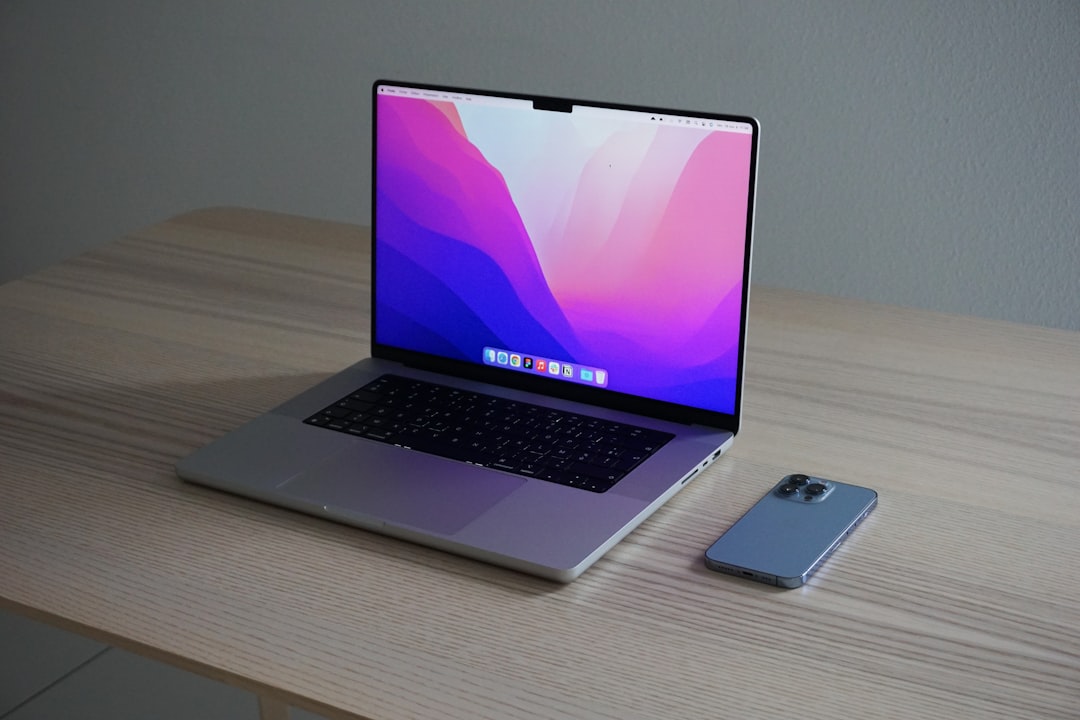
Apple’s laptops, particularly the MacBook Air and MacBook Pro, are renowned for their sleek design, robust performance, and user-friendly interface. The Retina display, with its high pixel density, offers stunning visuals that enhance the user experience, making it ideal for graphic design, video editing, and everyday tasks. The integration of the M1 and M2 chips has revolutionized performance, providing faster processing speeds and improved energy efficiency.
These laptops also come equipped with macOS, a sophisticated operating system that supports a wide range of applications while ensuring security and stability. In addition to hardware advancements, Apple’s laptops feature a range of connectivity options, including Thunderbolt 3 ports, which allow for high-speed data transfer and versatile peripheral connections. The Touch Bar on certain models provides dynamic controls tailored to the application in use, enhancing productivity by offering quick access to essential functions.
Furthermore, the seamless integration of hardware and software ensures that users can enjoy a cohesive experience across all Apple devices, making it easier to transition between tasks and maintain productivity.
Key Takeaways
- Apple’s laptops are known for their sleek design, high-resolution displays, and powerful performance.
- A well-organized workspace can help improve focus and productivity.
- Keyboard shortcuts can save time and streamline tasks, such as copying and pasting, switching between apps, and taking screenshots.
- Productivity apps like task managers, note-taking tools, and calendar apps can help streamline workflows and keep you organized.
- Optimizing battery life by adjusting settings, managing background processes, and using energy-saving features can extend work sessions.
Organizing Your Workspace for Efficiency
Creating an organized workspace is crucial for maximizing productivity and minimizing distractions. A clutter-free environment not only enhances focus but also promotes a sense of calmness that can lead to better work outcomes. Start by decluttering your physical space; remove unnecessary items from your desk and keep only essential tools within reach.
Utilize organizers or trays to categorize documents, stationery, and tech accessories, ensuring everything has a designated spot. Digital organization is equally important. Utilize folders and subfolders on your laptop to categorize files logically.
Implement a consistent naming convention for documents to facilitate easy retrieval. Additionally, consider using desktop backgrounds that inspire focus or creativity while keeping icons neatly arranged. By establishing an organized workspace—both physical and digital—you can create an environment conducive to sustained concentration and efficiency.
Utilizing Time-Saving Keyboard Shortcuts
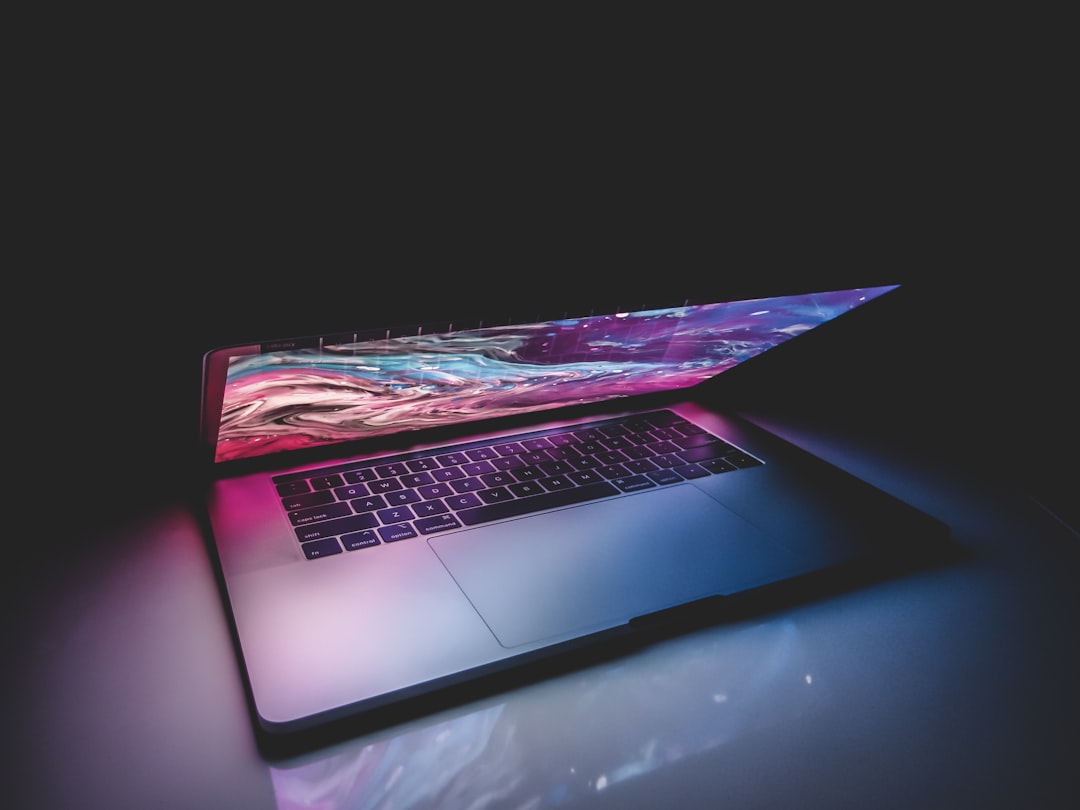
Mastering keyboard shortcuts can significantly enhance your productivity when using an Apple laptop. These shortcuts allow users to perform tasks quickly without relying on a mouse or trackpad, saving valuable time during daily operations. For instance, common shortcuts such as Command + C for copy, Command + V for paste, and Command + Z for undo are essential for efficient text editing.
Moreover, more advanced shortcuts can streamline complex workflows. For example, Command + Tab allows users to switch between open applications seamlessly, while Command + Space opens Spotlight for quick file searches. Familiarizing yourself with these shortcuts can reduce the time spent navigating menus and improve overall efficiency in task execution.
By integrating these time-saving techniques into your daily routine, you can enhance your workflow significantly.
Streamlining Your Workflow with Productivity Apps
| Productivity App | Features | Benefits |
|---|---|---|
| Trello | Task management, collaboration tools | Organize tasks, track progress, and collaborate with team members |
| Asana | Project planning, task assignments | Streamline project management, assign tasks, and track deadlines |
| Slack | Team communication, file sharing | Improve team communication, share files, and integrate with other apps |
| Google Workspace | Email, document collaboration, calendar | Centralize communication, collaborate on documents, and manage schedules |
In today’s fast-paced digital landscape, leveraging productivity applications can be a game-changer for managing tasks and projects effectively. Apple’s ecosystem offers a plethora of applications designed to enhance workflow efficiency. For instance, applications like Notion or Trello provide robust project management capabilities, allowing users to create boards, set deadlines, and collaborate with team members seamlessly.
Additionally, utilizing note-taking apps such as Evernote or Apple Notes can help capture ideas quickly and organize them for future reference. Calendar applications like Fantastical or Apple’s built-in Calendar can assist in scheduling meetings and setting reminders to ensure that deadlines are met without stress. By integrating these productivity apps into your daily routine, you can streamline your workflow and maintain focus on your most critical tasks.
Optimizing Battery Life for Extended Work Sessions
Maximizing battery life is essential for maintaining productivity during extended work sessions, especially for professionals who rely on their laptops while on the go. Apple laptops are designed with energy-efficient components; however, users can take additional steps to prolong battery life further. One effective strategy is to adjust screen brightness according to ambient lighting conditions; reducing brightness can significantly conserve power.
Moreover, managing background applications is crucial. Closing unused applications and disabling unnecessary startup programs can prevent excessive battery drain. Utilizing the Energy Saver settings in System Preferences allows users to customize their laptop’s performance based on their needs—enabling features like “Put hard disks to sleep when possible” can extend battery longevity during intensive tasks.
By implementing these strategies, users can ensure their laptops remain operational throughout demanding work sessions.
Customizing Your Laptop Settings for Maximum Productivity
Customizing settings on your Apple laptop can significantly enhance your productivity by tailoring the device to meet your specific needs. Start by adjusting the trackpad sensitivity and keyboard preferences to ensure comfortable navigation and typing experiences. Enabling features such as “Tap to click” or “Three finger drag” can streamline interactions with the interface.
Additionally, configuring notifications is vital for minimizing distractions during work hours. By customizing Do Not Disturb settings or selectively allowing notifications from essential applications only, you can maintain focus without interruptions. Furthermore, utilizing the Accessibility features available in macOS can enhance usability for individuals with specific needs—options such as VoiceOver or Zoom can provide additional support in navigating the system efficiently.
Integrating Apple’s Laptop with Other Devices for Seamless Workflows
One of the standout features of Apple’s ecosystem is its ability to integrate seamlessly with other devices such as iPhones, iPads, and Apple Watches. This interconnectedness allows users to transition effortlessly between devices while maintaining productivity. For instance, utilizing Handoff enables users to start a task on one device and continue it on another without losing momentum.
Moreover, features like AirDrop facilitate quick file sharing between devices without the need for email or cloud services. This capability is particularly useful for professionals who frequently collaborate with colleagues or share documents on the fly. By harnessing these integration features, users can create a cohesive workflow that enhances efficiency and reduces time spent switching between devices.
Implementing Time Management Techniques for Increased Efficiency
Effective time management is crucial for maximizing productivity in any professional setting. Techniques such as the Pomodoro Technique—where work is divided into intervals of focused activity followed by short breaks—can help maintain concentration while preventing burnout.
Additionally, utilizing tools like time-tracking applications can provide insights into how time is spent throughout the day. This data can help identify areas where improvements can be made or where time may be wasted on non-essential activities. By implementing structured time management techniques, individuals can enhance their efficiency and achieve their objectives more effectively.
Leveraging Cloud Storage for Easy Access to Files
Cloud storage solutions such as iCloud Drive, Google Drive, or Dropbox offer significant advantages in terms of file accessibility and collaboration. By storing files in the cloud, users can access important documents from any device with internet connectivity—eliminating the need for physical storage devices and reducing the risk of data loss due to hardware failure. Furthermore, cloud storage facilitates real-time collaboration among team members working on shared projects.
Features such as version control allow users to track changes made by collaborators while ensuring that everyone has access to the most up-to-date information. By leveraging cloud storage solutions effectively, individuals can streamline their workflows and enhance collaboration within teams.
Maintaining Your Laptop for Long-Term Productivity
Regular maintenance of your Apple laptop is essential for ensuring long-term productivity and optimal performance. Start by keeping the operating system updated; software updates often include security patches and performance enhancements that can improve overall functionality. Additionally, regularly cleaning both hardware components—such as the keyboard and screen—and software elements—like clearing cache files—can prevent slowdowns over time.
Backing up data is another critical aspect of maintenance; utilizing Time Machine or other backup solutions ensures that important files are protected against loss due to hardware failure or accidental deletion. By implementing these maintenance practices consistently, users can prolong the lifespan of their laptops while maintaining peak performance levels.
Troubleshooting Common Issues to Minimize Downtime
Despite their reliability, Apple laptops may encounter common issues that can disrupt productivity if not addressed promptly. Problems such as slow performance may arise due to excessive background processes or insufficient storage space; identifying these issues early allows users to take corrective action before they escalate further.
Familiarizing oneself with basic troubleshooting techniques empowers users to address minor issues independently—minimizing downtime and ensuring that work continues uninterrupted. In summary, optimizing productivity on an Apple laptop involves understanding its features, organizing your workspace effectively, utilizing keyboard shortcuts, leveraging productivity apps, optimizing battery life, customizing settings, integrating with other devices, implementing time management techniques, leveraging cloud storage solutions, maintaining the device regularly, and troubleshooting common issues promptly. By adopting these strategies holistically, users can create an efficient workflow that enhances their overall productivity while maximizing the capabilities of their Apple laptops.
If you’re in the market for a new laptop, you may want to check out the latest article on car insurance quotes in 2025. While it may seem unrelated, staying informed about financial matters can help you make a more informed decision when purchasing a high-ticket item like an Apple computer laptop. Understanding how to budget and save money on other expenses can free up funds for investing in quality technology.
FAQs
What is an Apple computer laptop?
An Apple computer laptop is a portable computer manufactured by Apple Inc. It runs on the macOS operating system and is known for its sleek design, high-quality display, and performance.
What are the different models of Apple computer laptops?
Apple offers a range of laptop models, including the MacBook Air, MacBook Pro, and the 16-inch MacBook Pro. Each model comes with different specifications and features to cater to different user needs.
What are the key features of Apple computer laptops?
Key features of Apple computer laptops include Retina display for high-resolution visuals, powerful processors for smooth performance, long battery life, and a user-friendly operating system.
What are the advantages of using an Apple computer laptop?
Some advantages of using an Apple computer laptop include its premium build quality, seamless integration with other Apple devices, a wide range of software and applications available, and strong customer support.
What are the disadvantages of using an Apple computer laptop?
Disadvantages of using an Apple computer laptop may include higher price points compared to other brands, limited customization options, and compatibility issues with certain software or hardware.
How does an Apple computer laptop differ from other laptops?
Apple computer laptops are known for their unique design, user-friendly interface, and exclusive features such as the Touch Bar on certain models. They also run on the macOS operating system, which sets them apart from laptops running on Windows or Linux.