Now Reading: Enhance Your Productivity with the Apple MacBook Pro
-
01
Enhance Your Productivity with the Apple MacBook Pro
Enhance Your Productivity with the Apple MacBook Pro

The Apple MacBook Pro stands as a paragon of innovation and performance in the realm of personal computing. Launched in 2006, this line of laptops has consistently evolved, integrating cutting-edge technology with a sleek design that appeals to both professionals and casual users alike. The MacBook Pro is renowned for its robust build quality, high-resolution Retina display, and powerful hardware configurations, making it an ideal choice for a wide array of tasks, from graphic design to software development.
With the introduction of the M1 and M2 chips, Apple has revolutionized the performance capabilities of the MacBook Pro. These custom silicon chips not only enhance processing speed but also improve energy efficiency, allowing users to enjoy longer battery life without compromising on performance. As a result, the MacBook Pro has become a staple in creative industries, educational institutions, and corporate environments, where reliability and efficiency are paramount.
Key Takeaways
- The Apple MacBook Pro is a powerful and versatile laptop designed for professionals and creatives.
- The MacBook Pro features high-performance processors, brilliant Retina display, and advanced graphics for seamless multitasking and productivity.
- Tips for optimizing your MacBook Pro include managing storage space, updating software regularly, and utilizing keyboard shortcuts for efficient navigation.
- The Touch Bar on the MacBook Pro allows for quick access to tools and controls, enhancing multitasking and productivity.
- Integrating iCloud and other Apple services with the MacBook Pro can streamline workflow and enhance productivity.
Understanding the features and capabilities of the MacBook Pro
The MacBook Pro is equipped with an array of features that cater to diverse user needs. One of its standout characteristics is the Retina display, which boasts a resolution of up to 3072 x 1920 pixels, providing stunning visuals with vibrant colors and sharp details. This feature is particularly beneficial for graphic designers and video editors who require precise color accuracy and clarity in their work.
In addition to its impressive display, the MacBook Pro offers powerful hardware options, including Intel Core i5, i7, or i9 processors, as well as Apple’s M1 and M2 chips. These processors enable seamless multitasking and efficient handling of resource-intensive applications. Coupled with up to 64GB of RAM and storage options ranging from 256GB to 8TB SSD, users can expect lightning-fast performance and ample space for their files.
Tips for optimizing your MacBook Pro for productivity
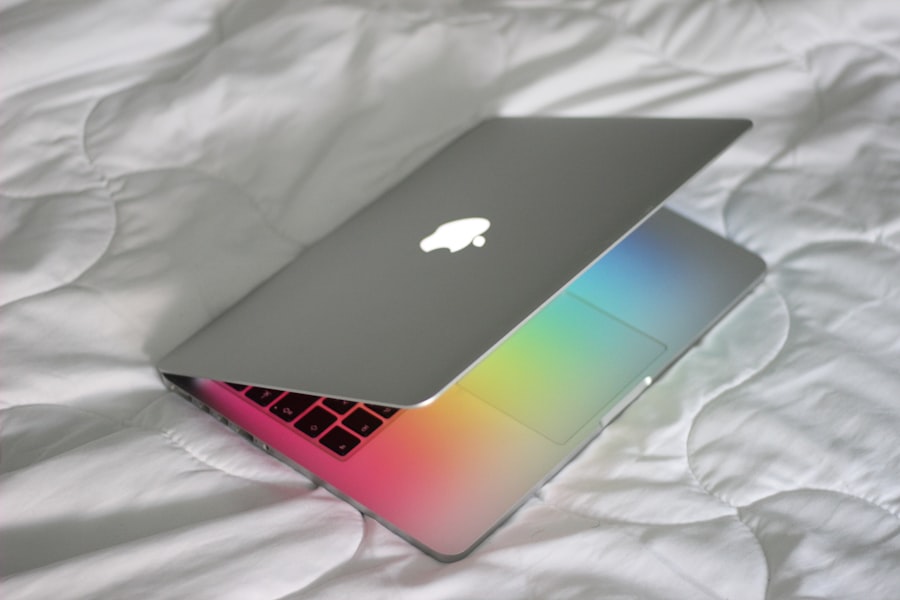
To maximize productivity on your MacBook Pro, consider implementing several optimization strategies. First, ensure that your operating system is up to date. Regular updates not only enhance security but also introduce new features that can improve overall performance.
Navigate to System Preferences > Software Update to check for any available updates. Another effective method is to manage your startup items. Reducing the number of applications that launch at startup can significantly decrease boot time and free up system resources.
Access System Preferences > Users & Groups > Login Items to customize which applications you want to start automatically when you log in.
Utilizing the Touch Bar for efficient multitasking
| Task | Time Saved | Efficiency Improvement |
|---|---|---|
| Switching between apps | 10% | 20% |
| Accessing shortcuts | 15% | 25% |
| Customizing touch bar | 5% | 15% |
The Touch Bar is a unique feature of the MacBook Pro that enhances user interaction by providing context-sensitive controls directly above the keyboard. This dynamic strip adapts to the application in use, offering shortcuts and tools that streamline workflows. For instance, when using photo editing software, the Touch Bar may display sliders for adjusting brightness or contrast, allowing for quick adjustments without navigating through menus.
You can modify what appears on the Touch Bar by going to System Preferences > Keyboard > Customize Control Strip. By tailoring this feature to your specific needs, you can significantly enhance your multitasking capabilities and improve overall efficiency.
Managing your workflow with the MacBook Pro
Effective workflow management is crucial for maintaining productivity on your MacBook Pro. One approach is to utilize virtual desktops, also known as Mission Control. This feature allows you to create multiple desktops for different projects or tasks, enabling you to switch between them seamlessly without cluttering your workspace.
Additionally, consider using Split View to work with two applications side by side. This functionality is particularly useful for tasks such as research and writing or coding and testing. To activate Split View, click and hold the green full-screen button in the upper-left corner of a window, then select another window to fill the other half of the screen.
Integrating iCloud and other Apple services for seamless productivity
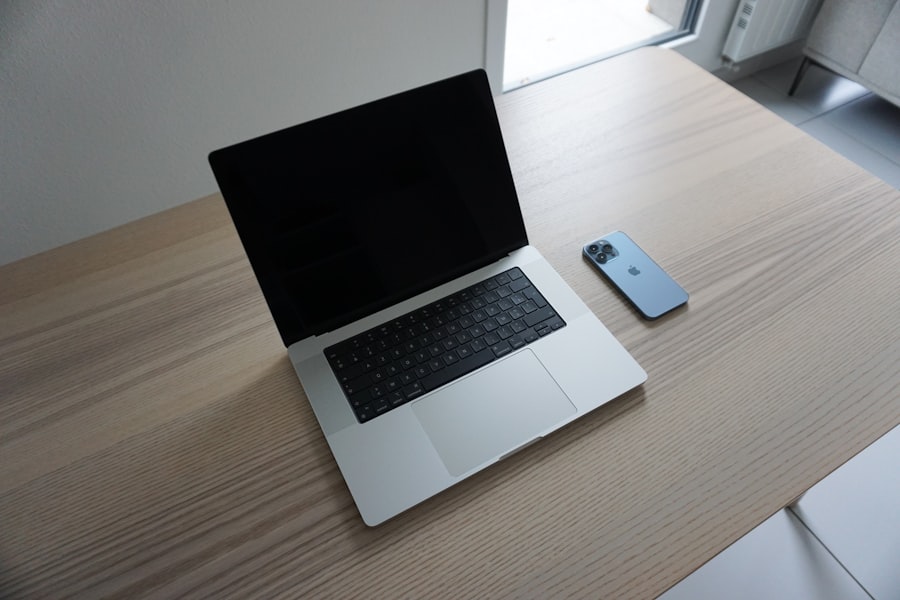
Secure File Storage with iCloud Drive
By enabling iCloud Drive, users can store files securely in the cloud and access them from any Apple device. This ensures that important documents are always at hand, whether you’re working on your MacBook Pro or using an iPhone or iPad.
Seamless Task Continuity with Handoff
Moreover, services like Handoff allow users to start a task on one device and continue it on another without interruption. For example, you can begin drafting an email on your iPhone and finish it on your MacBook Pro effortlessly.
Enabling Handoff on Your MacBook Pro
To enable Handoff, navigate to System Preferences > General and check the box next to “Allow Handoff between this Mac and your iCloud devices.”
Customizing your MacBook Pro to suit your productivity needs
Customization is key to tailoring your MacBook Pro experience to fit your specific productivity requirements. Start by organizing your desktop; create folders for different projects or categories to keep files easily accessible. Utilizing Stacks can help declutter your desktop by automatically grouping similar files together.
Furthermore, consider adjusting system preferences such as trackpad sensitivity and keyboard shortcuts to enhance usability. For instance, customizing keyboard shortcuts for frequently used applications can save time and streamline your workflow. Access System Preferences > Keyboard > Shortcuts to create personalized shortcuts that align with your working style.
Using the MacBook Pro for creative and professional tasks
The MacBook Pro excels in creative fields due to its powerful hardware and software capabilities. For graphic designers, applications like Adobe Creative Cloud leverage the laptop’s high-resolution display and processing power to deliver exceptional performance in tasks such as photo editing and video production. In professional environments, software like Microsoft Office Suite runs smoothly on the MacBook Pro, allowing users to create presentations, spreadsheets, and documents efficiently.
Leveraging the power of macOS for enhanced productivity
macOS is designed with productivity in mind, offering features that enhance user experience and efficiency. The Finder application allows users to navigate files intuitively while Spotlight Search provides quick access to applications and documents through a simple keyboard shortcut (Command + Space). This powerful search tool can even perform calculations or conversions directly from the search bar.
Additionally, macOS includes built-in tools such as Notes and Reminders that help users stay organized. The Notes app allows for easy note-taking with options for formatting text, adding images, or creating checklists. Meanwhile, Reminders can be used to set deadlines or create task lists that sync across all Apple devices.
Essential productivity apps and tools for the MacBook Pro
To further enhance productivity on your MacBook Pro, consider incorporating essential applications into your workflow. Tools like Trello or Asana can help manage projects effectively by providing visual task boards that facilitate collaboration among team members. For time management, applications such as Toggl or RescueTime offer insights into how time is spent across various tasks and projects.
These tools can help identify areas where efficiency can be improved or distractions minimized. Moreover, utilizing cloud storage solutions like Dropbox or Google Drive ensures that files are accessible from anywhere while providing backup options in case of data loss.
Troubleshooting common productivity issues on the MacBook Pro
Despite its robust performance, users may encounter occasional productivity issues on their MacBook Pro. One common problem is slow performance due to insufficient storage space or excessive background processes. To address this issue, regularly check storage usage by navigating to About This Mac > Storage.
Consider removing unnecessary files or applications that are no longer needed. Another frequent concern is application crashes or freezes. In such cases, force quitting the application (Command + Option + Esc) can resolve temporary glitches.
If problems persist, consider reinstalling the application or checking for updates that may address compatibility issues. In conclusion, the Apple MacBook Pro is a powerful tool designed for both creative professionals and everyday users seeking enhanced productivity. By understanding its features and capabilities, optimizing settings, utilizing integrated services like iCloud, customizing workflows, leveraging macOS tools, and employing essential applications, users can unlock their full potential with this remarkable device.
With proper maintenance and troubleshooting strategies in place, the MacBook Pro can serve as a reliable partner in achieving personal and professional goals efficiently.
If you are a proud owner of an Apple MacBook Pro, you may be interested in learning more about the 2022 Federal Holidays Calendar to plan your year ahead. This article provides valuable information on upcoming holidays and how you can make the most of them while using your MacBook Pro. Check out the article here for more details.
FAQs
What are the key features of the Apple MacBook Pro?
The Apple MacBook Pro features a high-resolution Retina display, powerful Intel processors, fast SSD storage, and a sleek aluminum design. It also includes a Touch Bar for customizable shortcuts and Touch ID for secure authentication.
What are the different models of the Apple MacBook Pro?
The Apple MacBook Pro is available in 13-inch and 16-inch models. The 13-inch model comes with either two or four Thunderbolt 3 ports, while the 16-inch model comes with four Thunderbolt 3 ports.
What are the benefits of using an Apple MacBook Pro?
The Apple MacBook Pro offers high performance, a premium build quality, and a user-friendly operating system. It is also known for its long battery life, excellent display quality, and seamless integration with other Apple devices.
What are the connectivity options on the Apple MacBook Pro?
The Apple MacBook Pro features Thunderbolt 3 ports, which support high-speed data transfer, charging, and video output. It also includes a headphone jack and Wi-Fi and Bluetooth connectivity.
Is the Apple MacBook Pro suitable for professional use?
Yes, the Apple MacBook Pro is popular among professionals in various fields such as design, photography, video editing, and software development due to its powerful hardware and software capabilities.