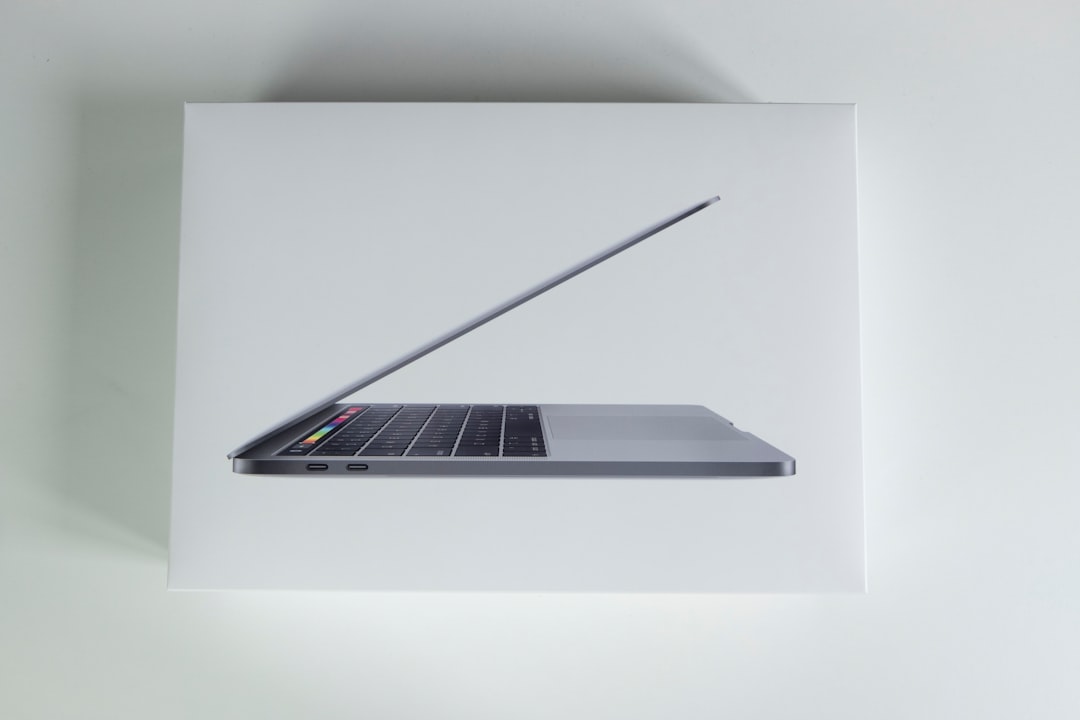
Now Reading: The Ultimate Guide to Apple MacBook
-
01
The Ultimate Guide to Apple MacBook
The Ultimate Guide to Apple MacBook
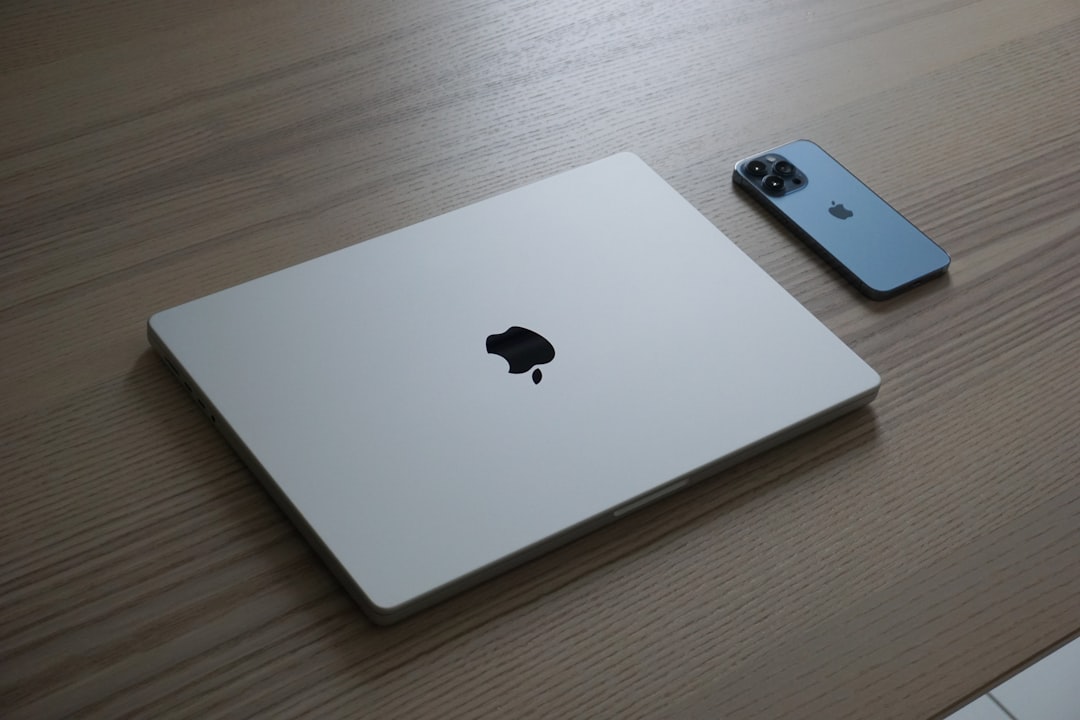
The Apple MacBook has become a hallmark of innovation and design in the realm of personal computing. Launched in 2006, the MacBook line has evolved significantly, catering to a diverse range of users from students to professionals. Renowned for its sleek aesthetics, robust performance, and seamless integration with the macOS ecosystem, the MacBook has established itself as a preferred choice for those seeking reliability and style in their computing devices.
The combination of cutting-edge technology and user-friendly features has made the MacBook a staple in both educational and professional environments. Apple’s commitment to quality is evident in every aspect of the MacBook, from its high-resolution Retina displays to its powerful processors. The brand’s focus on sustainability and environmental responsibility further enhances its appeal, as Apple continues to implement eco-friendly practices in its manufacturing processes.
As we delve deeper into the various models, features, and functionalities of the MacBook, it becomes clear that this device is not just a tool but an extension of the user’s creativity and productivity.
Key Takeaways
- Apple MacBook is a popular line of laptops known for their sleek design and powerful performance.
- There are different models of Apple MacBook available, including MacBook Air and MacBook Pro, each with its own unique features and specifications.
- Features of Apple MacBook include retina display, long battery life, and fast processors, making it a great choice for both work and entertainment.
- When choosing the right Apple MacBook, consider factors such as your budget, intended use, and desired specifications.
- Setting up your Apple MacBook involves creating an Apple ID, connecting to Wi-Fi, and customizing settings to suit your preferences.
Understanding the Different Models of Apple MacBook
Apple offers a range of MacBook models, each tailored to meet specific user needs. The primary models include the MacBook Air, MacBook Pro 13-inch, and MacBook Pro 16-inch. The MacBook Air is celebrated for its lightweight design and exceptional battery life, making it an ideal choice for students and professionals who are frequently on the go.
With its M1 chip, the latest iteration of the Air delivers impressive performance while maintaining energy efficiency. In contrast, the MacBook Pro series is designed for power users who require advanced capabilities for tasks such as video editing, software development, or graphic design. The 13-inch model strikes a balance between portability and performance, while the 16-inch variant offers a larger display and enhanced processing power.
Each model is equipped with Apple’s proprietary M1 or M2 chips, which provide significant improvements in speed and efficiency compared to previous Intel-based models.
Features and Specifications of Apple MacBook
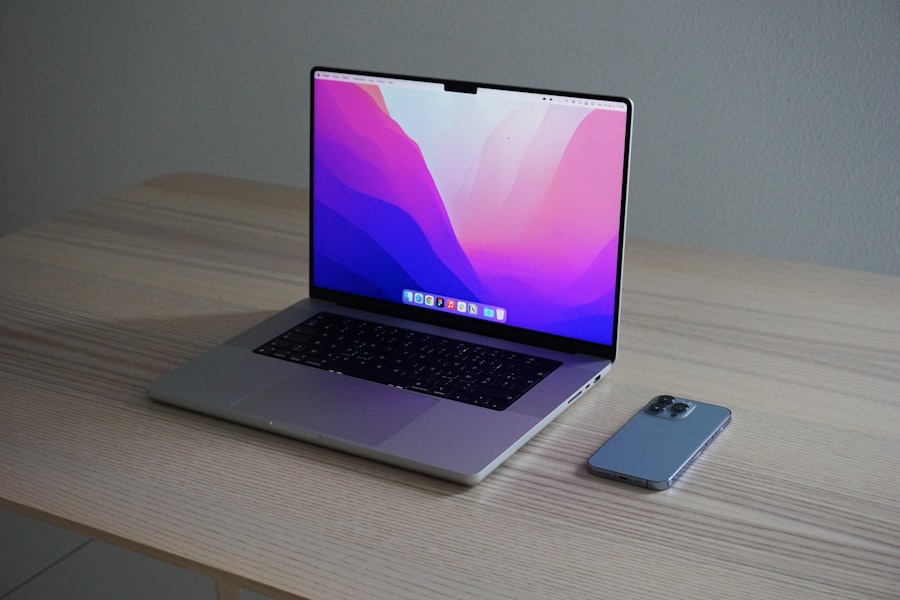
The features and specifications of the Apple MacBook are what set it apart from competitors in the market. The Retina display, available across all models, boasts a resolution of up to 2560 x 1600 pixels, delivering stunning visuals with vibrant colors and sharp details. This feature is particularly beneficial for creative professionals who rely on accurate color representation in their work.
In terms of performance, the M1 and M2 chips have revolutionized the MacBook experience. These processors integrate CPU, GPU, and Neural Engine capabilities on a single chip, resulting in faster processing speeds and improved graphics performance. Additionally, the battery life of the MacBook is noteworthy; users can expect up to 18 hours of usage on a single charge, depending on the model and usage patterns.
Other specifications include up to 16GB of unified memory and storage options ranging from 256GB to 2TB SSDs, ensuring ample space for applications and files.
Choosing the Right Apple MacBook for Your Needs
| MacBook Model | Screen Size | Processor | RAM | Storage |
|---|---|---|---|---|
| MacBook Air | 13.3 inches | Apple M1 chip | 8GB, 16GB | 256GB, 512GB, 1TB, 2TB |
| MacBook Pro 13-inch | 13.3 inches | Apple M1 chip, Intel Core i5, i7 | 8GB, 16GB, 32GB | 256GB, 512GB, 1TB, 2TB, 4TB |
| MacBook Pro 16-inch | 16 inches | Intel Core i7, i9 | 16GB, 32GB, 64GB | 512GB, 1TB, 2TB, 4TB, 8TB |
Selecting the appropriate MacBook model hinges on understanding individual requirements and usage scenarios. For casual users who primarily engage in web browsing, document editing, and media consumption, the MacBook Air is an excellent choice due to its lightweight design and affordability. Its long battery life ensures that users can work or study without frequent interruptions for charging.
Conversely, professionals engaged in resource-intensive tasks should consider the MacBook Pro lineup. The 13-inch model is suitable for those who need a balance between portability and power, while the 16-inch version caters to users requiring extensive screen real estate and superior processing capabilities. Factors such as budget constraints, desired specifications, and intended use should guide potential buyers in making an informed decision.
Setting Up Your Apple MacBook
Setting up a new Apple MacBook is a straightforward process that can be completed in just a few steps. Upon powering on the device for the first time, users are greeted with a setup assistant that guides them through essential configurations such as language selection, Wi-Fi connection, and Apple ID sign-in. This seamless onboarding experience is designed to ensure that users can quickly access their devices without unnecessary complications.
Once the initial setup is complete, users can customize their MacBooks further by adjusting system preferences to suit their workflow. This includes configuring display settings, setting up Touch ID for secure access, and organizing applications in the Dock for easy access. Additionally, users are encouraged to explore macOS features such as Mission Control and Split View to enhance productivity.
Tips and Tricks for Getting the Most Out of Your Apple MacBook
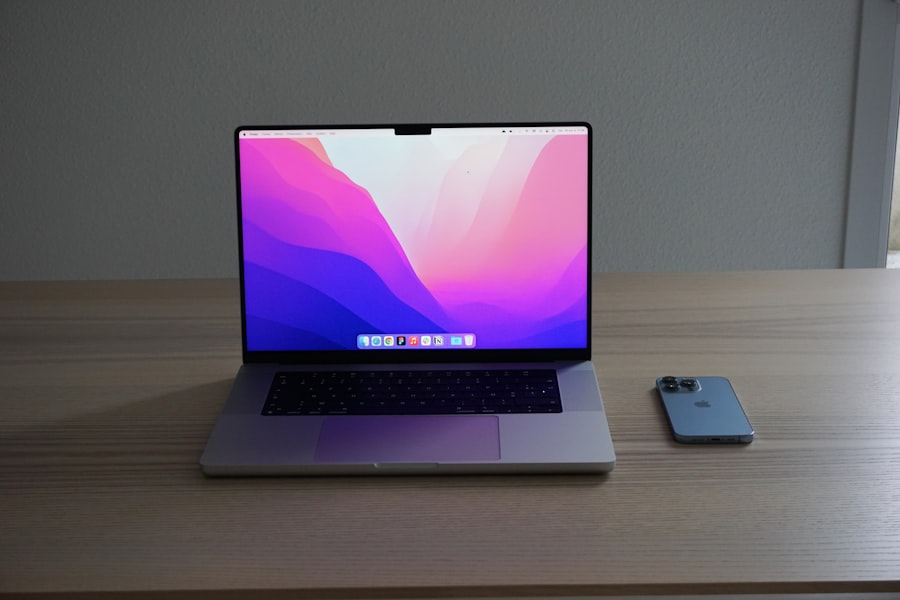
To maximize the potential of an Apple MacBook, users can employ various tips and tricks that enhance functionality and streamline workflows. One effective method is utilizing keyboard shortcuts to navigate macOS efficiently. For instance, Command + Space opens Spotlight Search for quick access to applications and files, while Command + Tab allows users to switch between open applications seamlessly.
Another valuable feature is utilizing iCloud for file storage and synchronization across devices. By enabling iCloud Drive, users can access their documents from any Apple device, ensuring that important files are always within reach. Additionally, leveraging features like Handoff allows users to start a task on one device and continue it on another without interruption.
Essential Accessories for Your Apple MacBook
To complement the functionality of an Apple MacBook, several essential accessories can enhance user experience. A high-quality external monitor can significantly improve productivity by providing additional screen space for multitasking or detailed work. Brands like LG and Dell offer excellent options that pair well with MacBooks.
Another must-have accessory is a protective case or sleeve to safeguard against scratches and accidental drops during transport. Brands such as Incase and Tomtoc provide stylish yet functional options tailored specifically for various MacBook models.
Troubleshooting Common Issues with Apple MacBook
Despite their robust design, users may encounter common issues with their Apple MacBooks over time. One frequent problem is slow performance due to excessive background processes or insufficient storage space. To address this issue, users can utilize Activity Monitor to identify resource-hogging applications and close them as needed.
Additionally, regularly clearing cache files and uninstalling unused applications can free up valuable storage. Another common concern is connectivity issues with Wi-Fi networks. If a MacBook fails to connect or experiences intermittent drops, users should first check their network settings and ensure that Wi-Fi is enabled.
Restarting the router or resetting network settings on the MacBook can often resolve connectivity problems.
Security and Maintenance for Your Apple MacBook
Maintaining security on an Apple MacBook is paramount in today’s digital landscape. Users should enable FileVault encryption to protect sensitive data stored on their devices.
Regular software updates are also crucial for maintaining security integrity. Apple frequently releases updates that address vulnerabilities and enhance system performance. Users should enable automatic updates or periodically check for updates manually through System Preferences to ensure they are running the latest version of macOS.
Upgrading and Customizing Your Apple MacBook
Upgrading an Apple MacBook can significantly enhance its performance and longevity. While many components are not user-replaceable due to Apple’s design philosophy—particularly in newer models—users can still customize certain aspects such as RAM (in older models) or external storage solutions. For those looking to boost performance without purchasing a new device, utilizing external SSDs or upgrading cloud storage options can provide additional space for applications and files without compromising speed.
Furthermore, customizing software settings—such as adjusting energy-saving preferences—can optimize performance based on individual usage patterns.
Exploring the Latest Updates and Innovations in Apple MacBook
Apple consistently pushes boundaries with its innovations in the MacBook lineup. The introduction of M1 and M2 chips marked a significant leap forward in processing power while maintaining energy efficiency. These chips have redefined what users can expect from their devices regarding speed and battery life.
Recent updates have also included enhancements in display technology with Liquid Retina XDR displays in higher-end models, offering unparalleled brightness and color accuracy for creative professionals. Additionally, advancements in connectivity options such as Thunderbolt 4 ports provide faster data transfer rates and support for multiple external displays. In summary, the Apple MacBook represents a blend of cutting-edge technology and user-centric design that caters to a wide array of needs—from casual browsing to professional-grade tasks.
Understanding the different models available allows consumers to make informed choices based on their specific requirements. With features like Retina displays, powerful processors, and extensive battery life, each model offers unique advantages tailored to various user profiles. Setting up a new device is straightforward thanks to Apple’s intuitive onboarding process, while tips for maximizing productivity ensure users get the most out of their investment.
Essential accessories enhance functionality further while troubleshooting common issues helps maintain optimal performance over time. Security measures are vital in protecting sensitive information stored on these devices; regular maintenance through software updates ensures continued reliability. Upgrading options may be limited but can still provide significant benefits without needing a complete overhaul.
Finally, staying informed about the latest innovations keeps users at the forefront of technology advancements within the Apple ecosystem—ensuring that their computing experience remains efficient and enjoyable for years to come.
If you’re in the market for a new laptop like the Apple MacBook, you may also be interested in learning more about federal holidays. Check out this comprehensive guide to federal holidays in 2021 to stay informed about upcoming days off.
FAQs
What is an Apple MacBook?
An Apple MacBook is a line of laptop computers designed and manufactured by Apple Inc. It runs on the macOS operating system and is known for its sleek design, high-quality display, and powerful performance.
What are the different models of Apple MacBook?
Apple offers several different models of the MacBook, including the MacBook Air, MacBook Pro, and the standard MacBook. Each model comes in different sizes and configurations to meet the needs of different users.
What are the key features of an Apple MacBook?
Key features of an Apple MacBook include a high-resolution Retina display, long battery life, fast processors, and a thin and lightweight design. It also includes features such as Touch ID, Force Touch trackpad, and the innovative Touch Bar on certain models.
What are the advantages of using an Apple MacBook?
Some advantages of using an Apple MacBook include its user-friendly interface, seamless integration with other Apple devices, strong security features, and access to a wide range of productivity and creativity apps through the App Store.
What are the disadvantages of using an Apple MacBook?
Some potential disadvantages of using an Apple MacBook include its higher price compared to other laptops, limited gaming options, and the need for adapters to connect to certain external devices due to the use of USB-C ports.
How does an Apple MacBook compare to other laptops?
Apple MacBooks are known for their premium build quality, high-resolution displays, and seamless integration with other Apple devices. They are often favored by creative professionals and those who value design and performance. However, they may be more expensive than some other laptops on the market.